
CONSIGNOR LOG IN
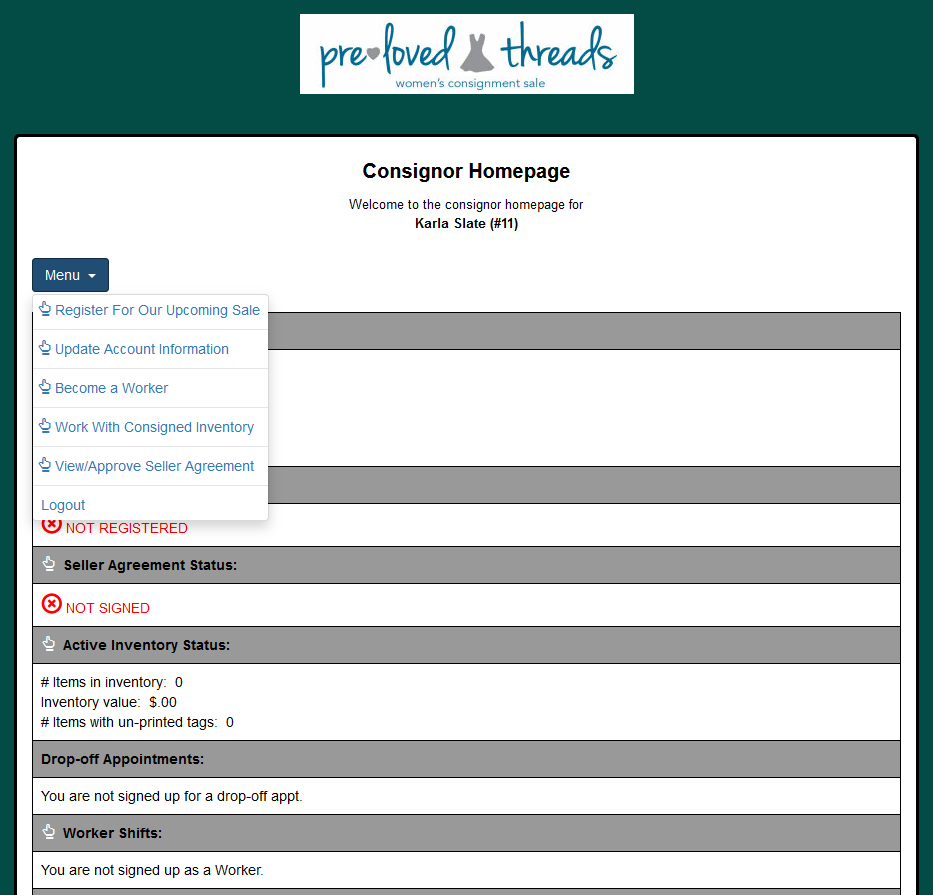
Already a consignor? Log in to manage your account, register for an upcoming sale, enter inventory and print tags. Inventory can only be changed or added to when the next sale is open and you are registered.
NEW TO PRELOVED THREADS?
New consignor accounts can be created when registration opens for the upcoming sale. Creating an account does not register you for a sale — you’ll register for each sale separately once registration opens.
GETTING STARTED
Once you’ve registered for the upcoming sale, log in to your consignor account and select “Work With Consigned Inventory” from the menu to begin entering and tagging your items.
Have inventory remaining from a previous sale? Select “Inactive Inventory” from the Work With Consigned Inventory screen to transfer eligible items into the current sale.
NEED HELP?
Not sure how to enter inventory, price your items or print tags?
Visit our Prepping & Tagging page for step-by-step instructions and tips.